Introduction
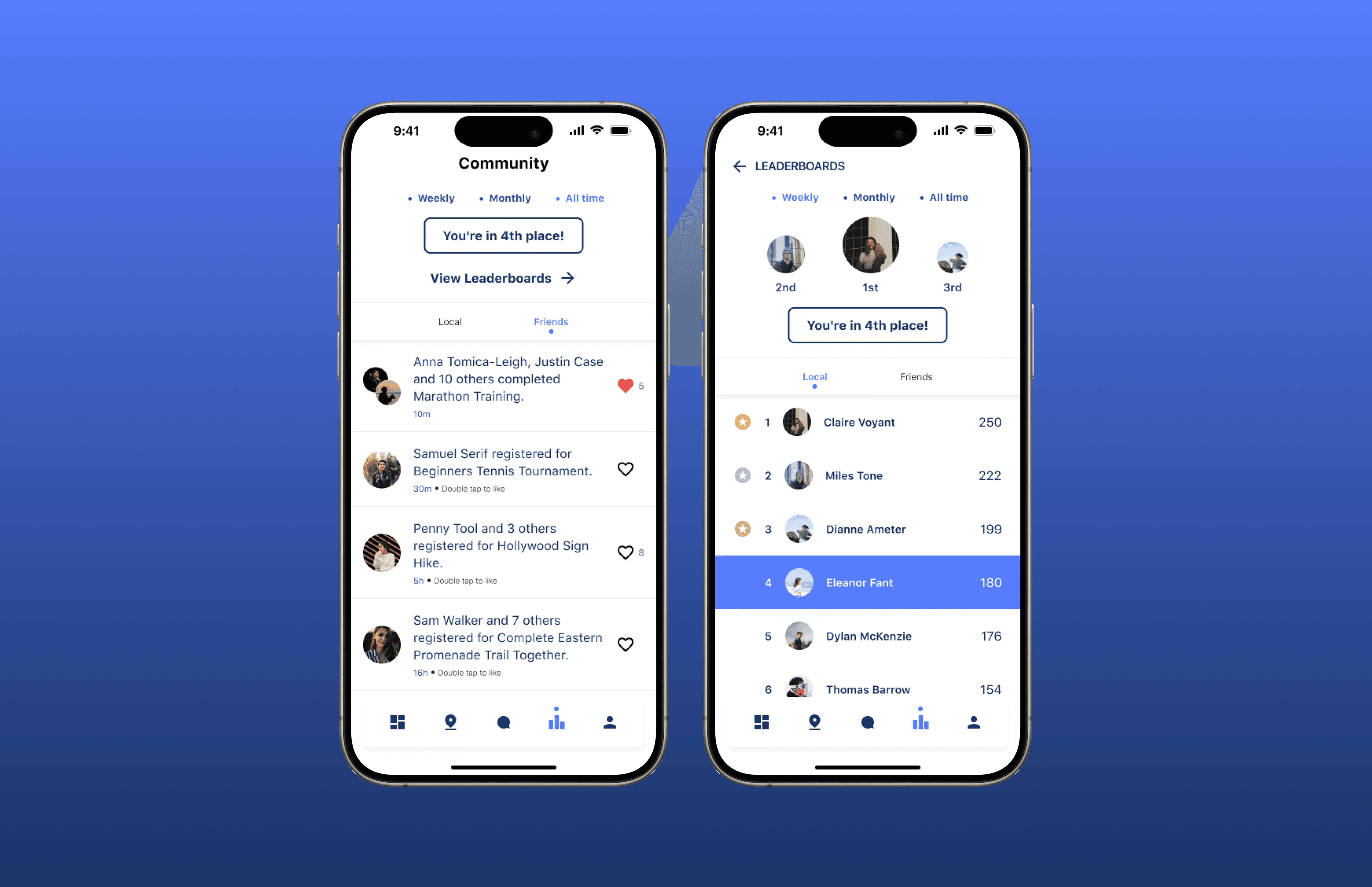
Community feed for a sports social networking app
Recly is mobile app designed to enhance the experience of local sports through better networking and communication by helping users find nearby events and communities that match their interests and skill levels. Adding a community space will bridge the gap between an individual's online and offline community to accomplish the app's goal of making exercising less lonely.
Problem
The app lacked a central place for people to connect, making it difficult for users to stay engaged beyond creating or joining events.
Users mainly interacted through events and direct messages, leaving little opportunity for community building. Although there were leaderboards as a shared space, they didn’t support ongoing social interaction or connection. Without a central place to see updates, discover others, or engage more casually, the platform struggled to keep people connected or returning regularly.
Solution

Research
App-created feed
App generates feed content.
Chronological order
Posts appear based on time.
Liking interaction
Users can like posts.
I began looking into whether a user-created (people write posts) or app-created (app posts activity details) feed would suit Recly's current needs more. There were two options for the order of the posts. It was either a chronological feed that sorts items depending on their recency or an algorithmic feed sorts items based on relevancy to the user.
User-Created Feeds
App-Created Feeds
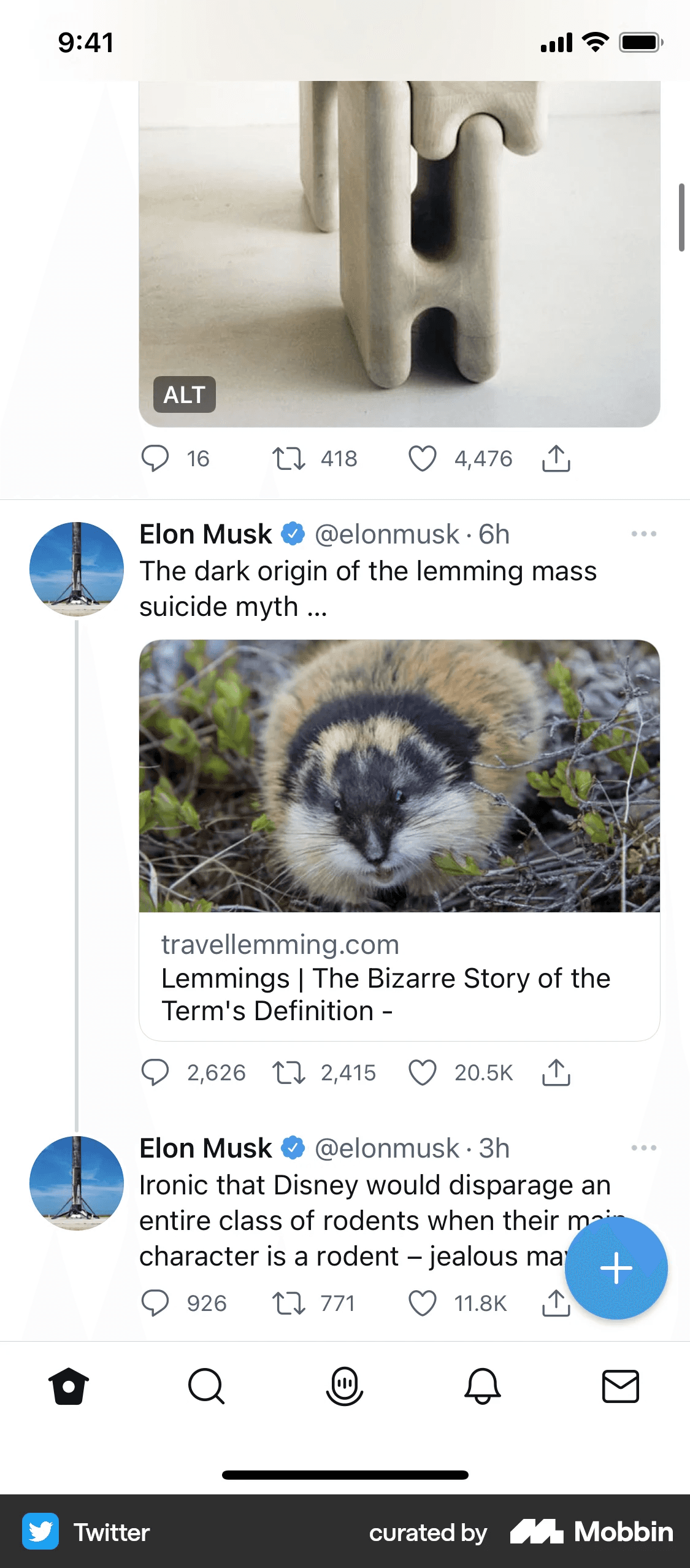
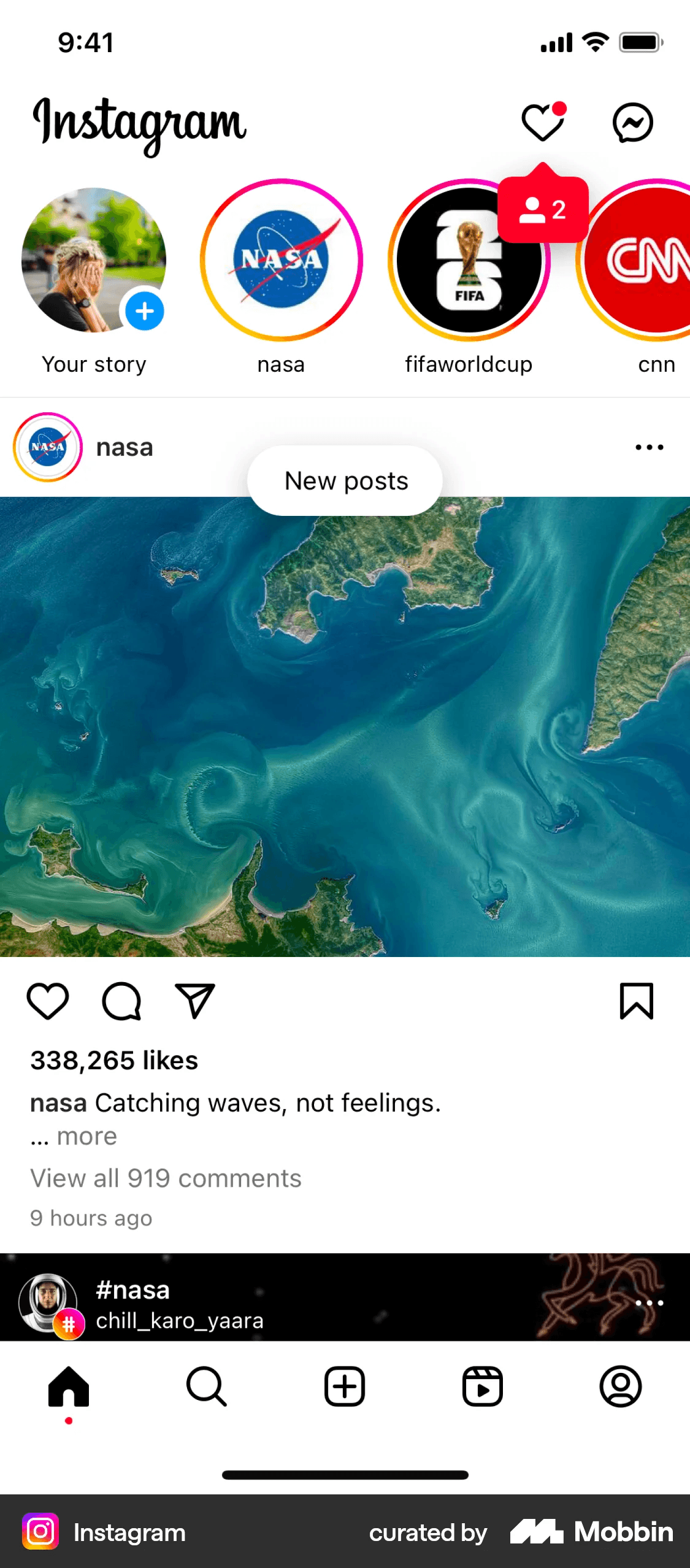
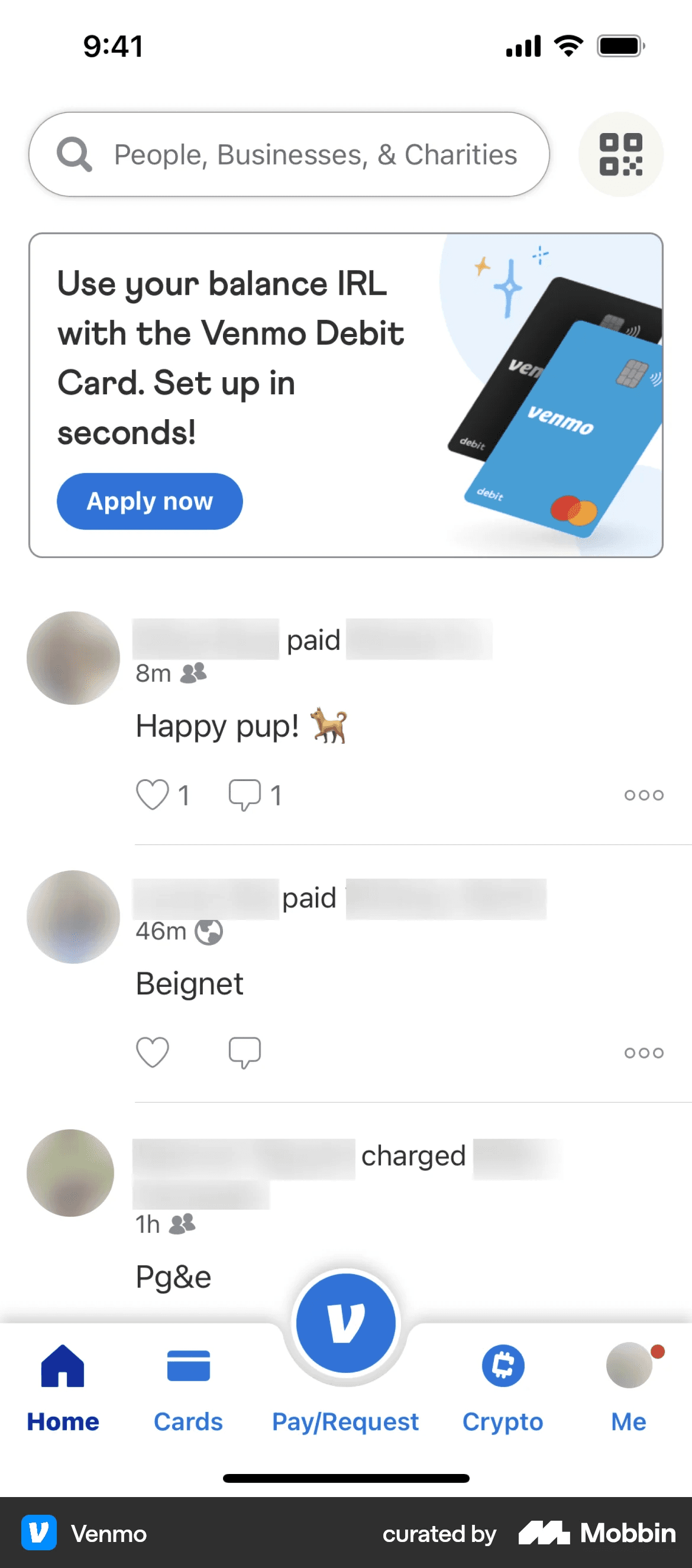
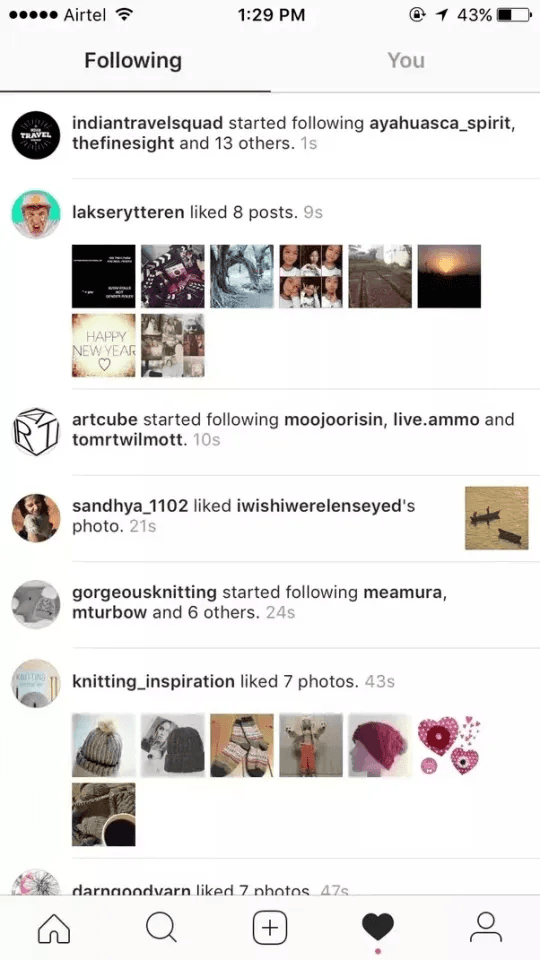
There were also two interactions that I looked into: liking and commenting. By adding more emojis, it would give users more options despite only one interaction feature. Due to the desire to release the initial version of the feature as soon as possible, this idea was postponed.


Design Phases
Design evolution from wireframes to final screens
Here are the final wireframe and mockup of each of the main screens, showing the completed design for the feature.
This empty state appears for users who haven't established a community yet. There are two call-to-actions to assist them—either by adding friends who are already on Recly or by inviting new friends.
This is the initial screen that users will land on when they tap the community tab. The tab is home to both the existing leaderboards and the new activity feeds.
Once a user starts scrolling through their activity feeds, the leaderboards section will be minimized to accommodate more space for posts.
I also redesigned the current leaderboards screen for consistency. It was part of a bigger project to give the app's overall design a modernized and simplified look.
Results
The community feed provides a central space for users to stay connected and engage with others.
The feature was released shortly before my contract ended, so we were still in the process of collecting metrics. It was designed to provide a central space for users to engage with their connections and encourage user-to-user invites, supporting the growth of the platform’s user base.
Insights & Takeaways
I'm proud of leading a major product feature from research to launch.
As the only designer for this major product feature, I've become more confident in my skills and grown as a designer. The highlights include:
Collaborating with stakeholders. Since the two co-founders are closely involved with the design process, I gained more experience in presenting my designs for those who are not part of the field.
Not all of your designs will be utilized/implemented. Throughout my research and early design phase, I had provided many options and ideas to supplement the feature, but they were postponed due to the current business needs of gauging users' interests through a simple launch.
Iterations, iterations, iterations. Although the end result is designed to be a simple, initial launch, we've gone through many versions. The design process is not a straight path, rather there are many feedback loops throughout each step.